
Admin Panel › Monitoring · Evaluations
- Monitoring — how the system is being used (activity · usage · logs)
- Evaluation — how good the AI responses are (feedback · quality)
- Admin > Monitoring
- Admin > Evaluations
Admin › Monitoring
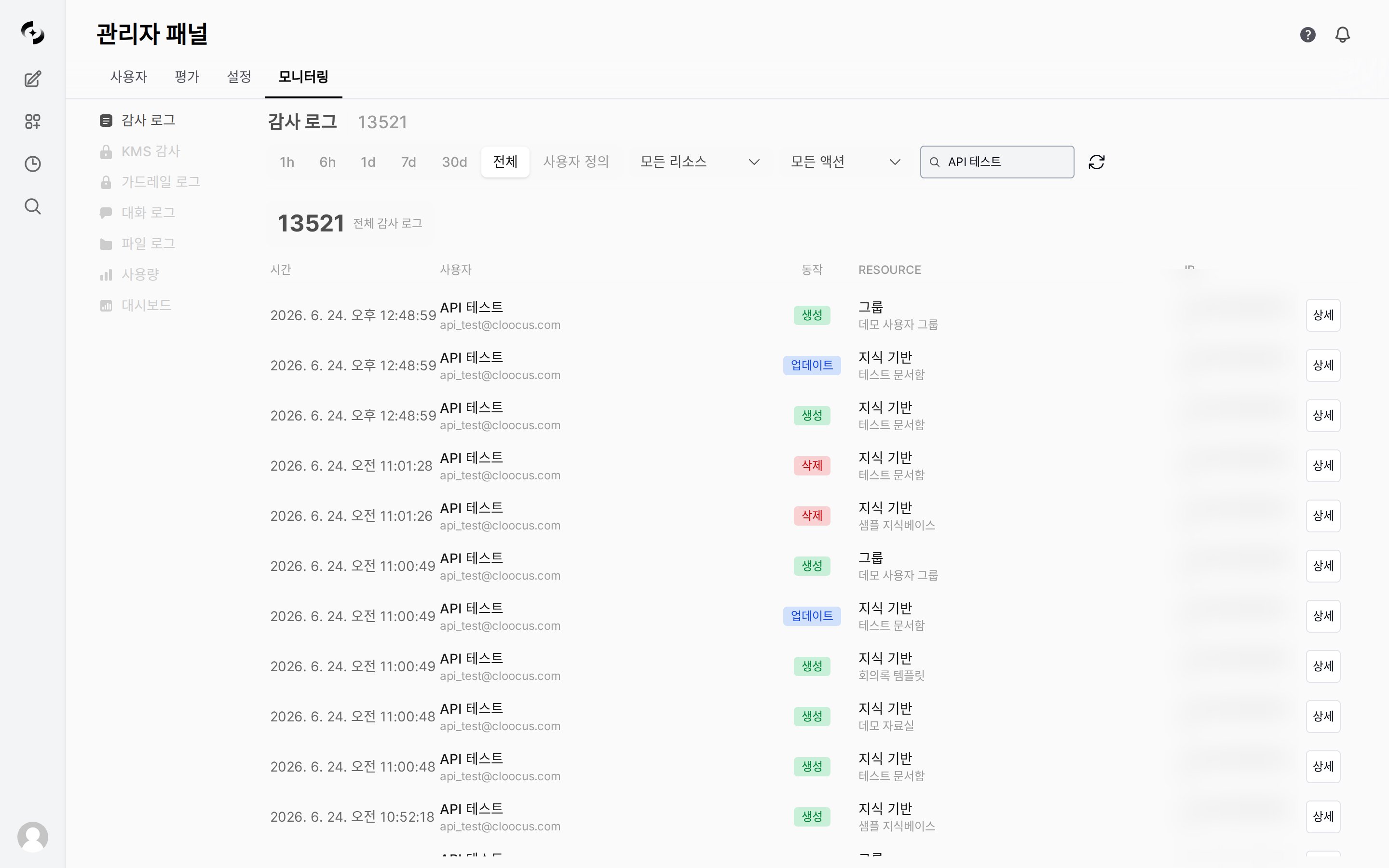
The Conversation Logs tab lists individual conversations (requests) row by row. See Conversation Logs for details.
The File Logs tab is always shown. Only files that have file guardrail results are recorded, so the list can be empty on instances that don’t use file guardrails.
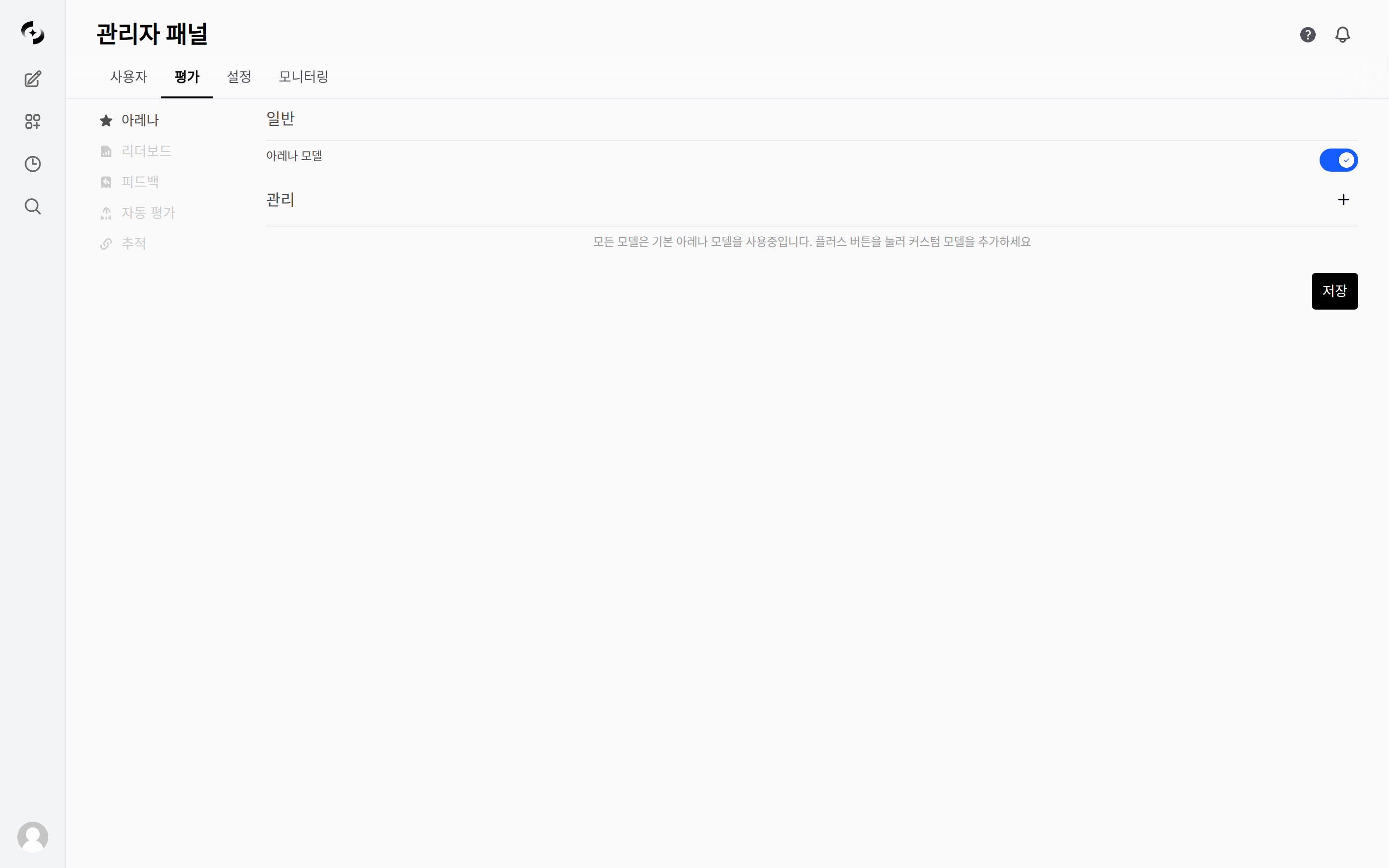
The Audit Logs · KMS Audit · Dashboard tabs, and the Auto-evaluation · Tracing tabs under Evaluations, appear only when your license includes those features. If it doesn’t, they never show up in the menu. Check your license under Admin › Settings › License.
Use Cases
Cost amounts only appear when the price per 1M tokens has been entered per model under Admin › Settings › Models › Model Pricing. Models with no price are excluded from the cost estimate (token counts are still aggregated).