Enable and use web search, image generation, Google Workspace, and code execution
Beyond basic AI conversations, Cloosphere Chat offers a set of advanced features.
Click the ”+” button on the left of the input box to open a menu that combines file attachment with capability toggles.
Code execution is not in this menu. It isn’t something you turn on per conversation — it’s determined by admin settings and where the code appears. See the Code Execution tab under Feature Details below.
The + button opens file attachment and capability toggles together
Admins (admin role) bypass permission checks, so as long as system settings are enabled, they can use the feature.
These conditions apply to the toggles that appear in the + menu (Web Search, Image Generation, Google Workspace). Code execution isn’t a toggle, so it isn’t covered here.
Sign in with Google under Settings > Connections. Without this connection, the Google Workspace item doesn’t appear in the + menu at all.
2
Open the toggle menu
Click the ”+” button on the left of the input box, then click Google Workspace.
3
Turn on what you need
In the submenu that opens on the right, toggle Gmail, Google Calendar, and Google Drive individually. The number turned on shows as a badge on the main row.
If an item is missing or can’t be turned on, it’s one of three reasons — the admin disabled that feature, your group lacks the permission, or your Google account isn’t connected (or is missing a required scope). Hover to see which one applies.
Hard-to-undo actions such as sending mail or creating events show an approval card before running. They execute only after you review and approve.
This runs Python code blocks generated by the AI, executed by you. It isn’t a per-conversation toggle: once the admin enables Code Execution settings, a Run button appears on qualifying code blocks.
When an AI response contains a Python code block, a Run button appears at the top of the block. Clicking runs the code and displays results below the block.
Feature
Description
Python execution
Run via Pyodide (browser) or server-side Jupyter (per admin setting)
Data visualization
Generate charts using matplotlib, plotly, etc.
Result display
stdout, stderr, and return value display
The Run button appears only on Python code blocks. It also appears when no language is tagged but the content is recognized as Python. Blocks in other languages such as JavaScript or SQL have no Run button.
In browser (Pyodide) mode, system access and network requests are restricted. When admins configure server-side Jupyter, those restrictions may not apply.
Instead of you clicking Run, the AI can write and run code itself. This works only inside a data analysis project, and the admin must have set the execution engine to Jupyter. It can’t be enabled in a regular conversation, and there is no per-conversation toggle for it.
When the AI generates HTML or SVG code, the Artifact Viewer panel auto-opens to display the rendered result.
How to view
Path
Auto-open
The panel opens on its own when an HTML/SVG code block is generated
Open manually
Chat top menu (⋯) > Artifacts
View inside the code block
Preview button at the top of an HTML/SVG code block
Auto-open works on desktop only, and only while Detect Artifacts Automatically is on under personal Settings > Interface. On mobile it doesn’t auto-open — open it from the top menu instead.
Beyond advanced features, you can enable Tools registered by the admin in conversations.
The available Tool list appears at the top of the toggle menu, with switches to individually enable/disable.
Item
Description
Tool name
Name of the tool registered by admin
Tool description
Tooltip shown on hover
Enable switch
Toggle Tool use in this conversation
Tools are enabled per conversation. Enabling a Tool in one conversation doesn’t affect others.
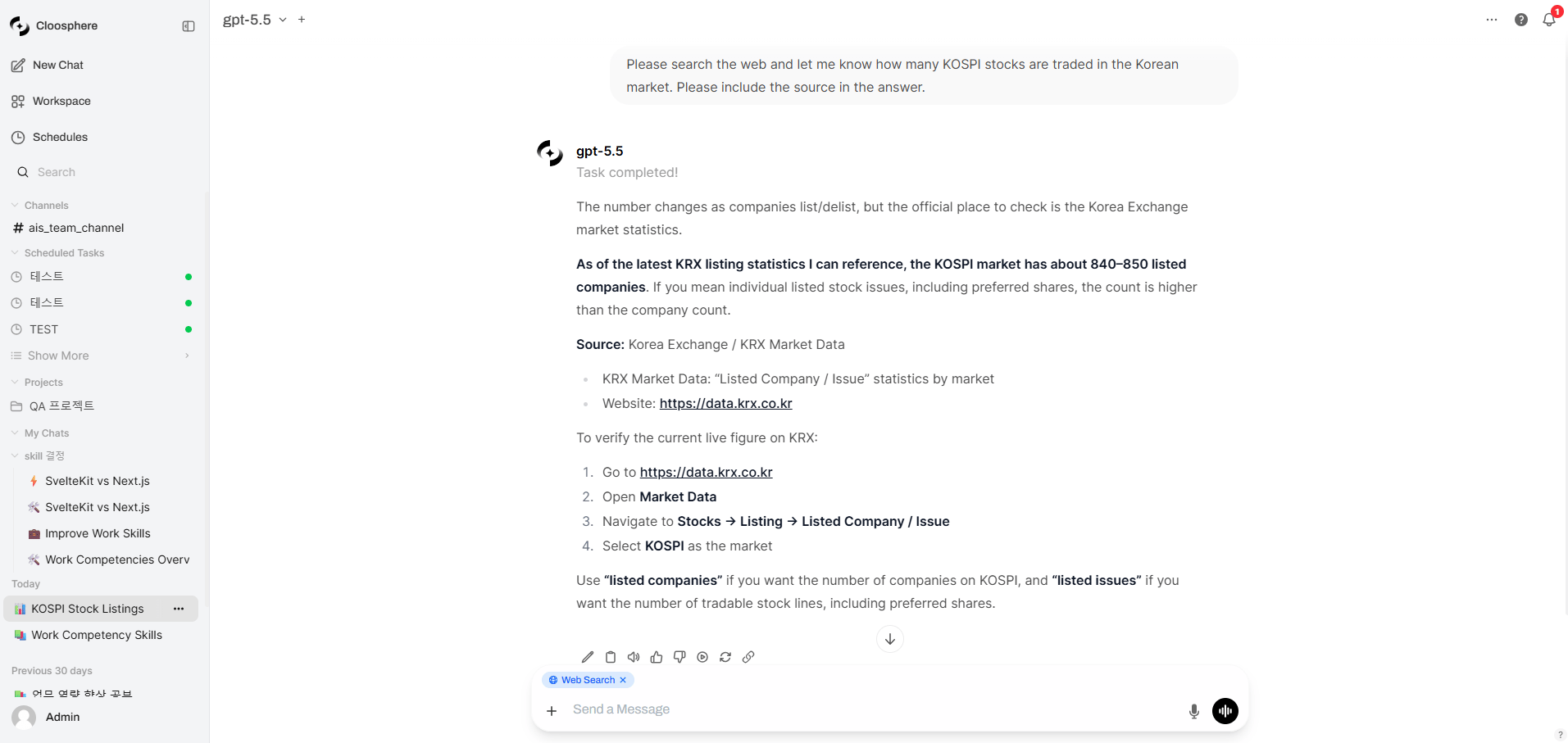
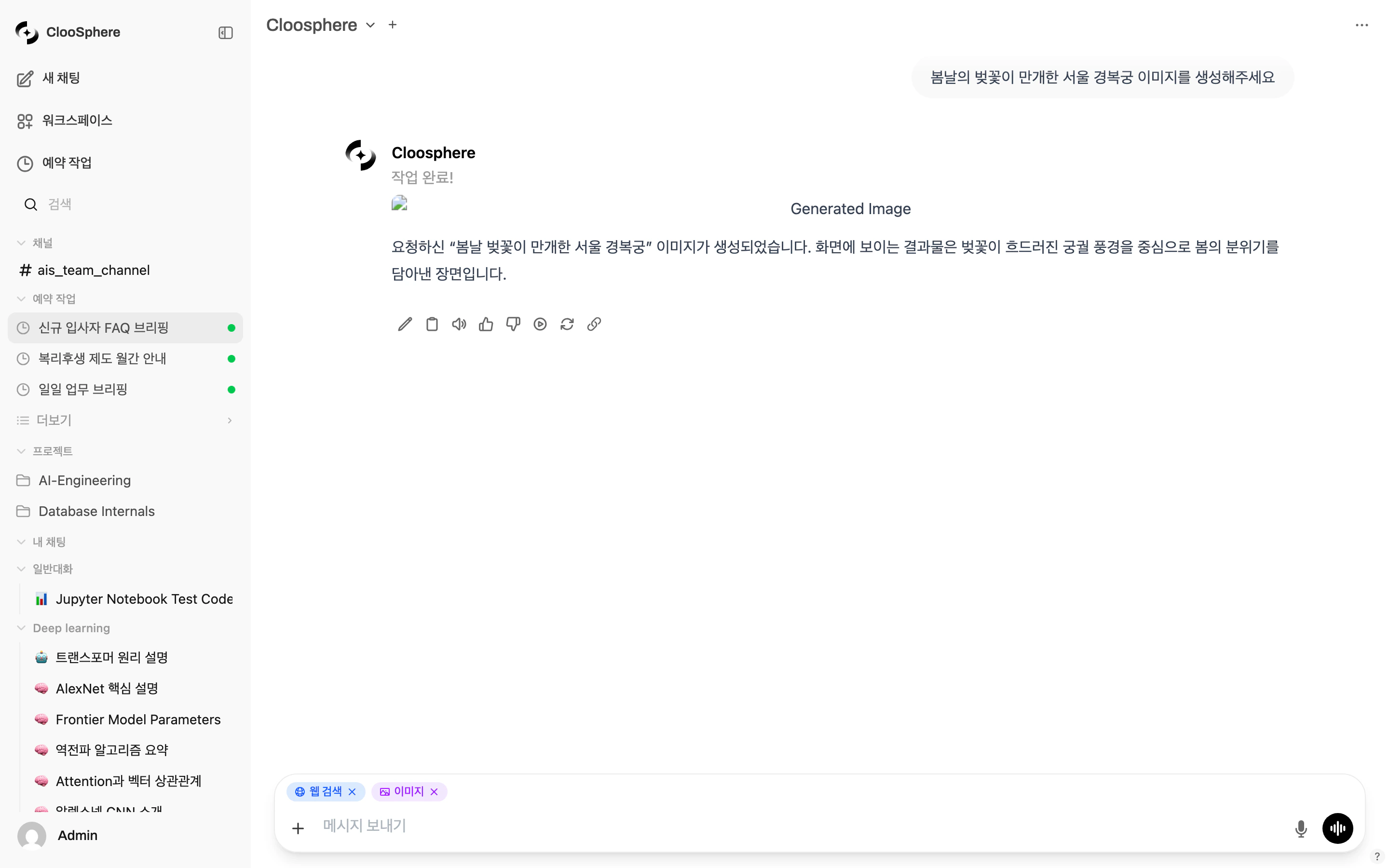
Features you turn on for a conversation appear as badges above the input box, so you can see at a glance what’s active. Click the X on a badge to turn it off immediately.
Badge
Shown when
Web Search
Web search is on, or set to always-on in personal settings
Image
Image generation is on
Gmail · Google Calendar · Google Drive
The matching Google Workspace feature is on
Tools N
One or more Tools are active — click to expand the list
When web search is set to always on, its badge has no X. You can’t turn it off per conversation — change it in personal settings instead.