
Admin › Settings › Audio
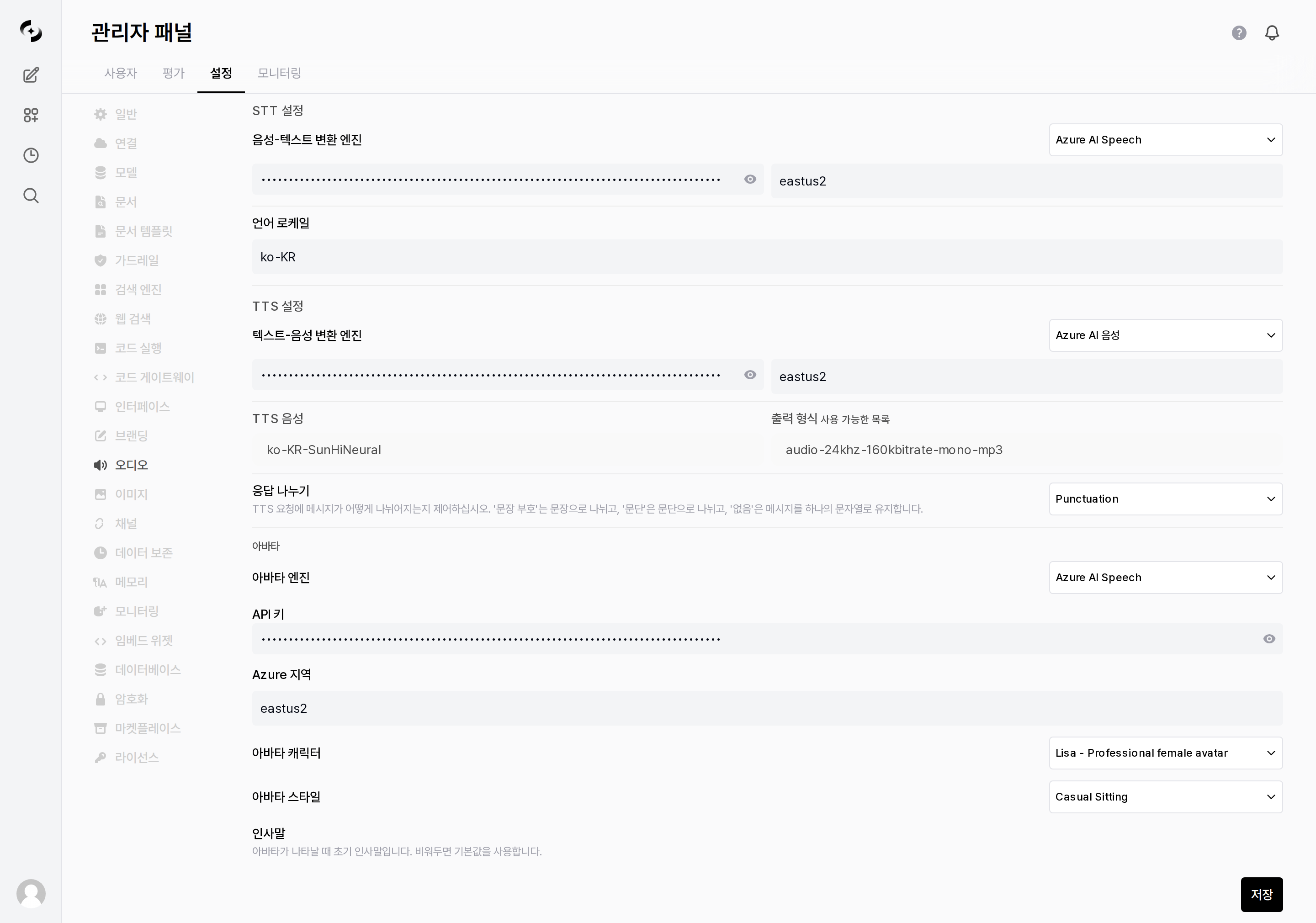
Full Audio settings tab
STT (Speech-to-Text)
Configure the engine that converts user speech input into text.- Whisper (Local)
- OpenAI
- Web API
- Deepgram
- Azure AI Speech
- Google Cloud Speech
Transcribes with the built-in faster-whisper model on the server. This is the default and needs no external API key.
TTS (Text-to-Speech)
Configure the engine that converts AI responses into speech.- Web API
- Transformers (Local)
- OpenAI
- ElevenLabs
- Azure AI Speech
- Google Cloud TTS
- Gemini TTS
Uses the browser’s built-in Web Speech API. Only a TTS Voice needs to be chosen; no key is required.
Avatar
Configure the avatar shown alongside AI responses.
Selecting Azure AI Speech reveals the following fields.