
Admin › Settings › Database
This page provides backup/migration of system settings and the database. It differs from Database (DbSphere), which handles SQL data in the workspace.
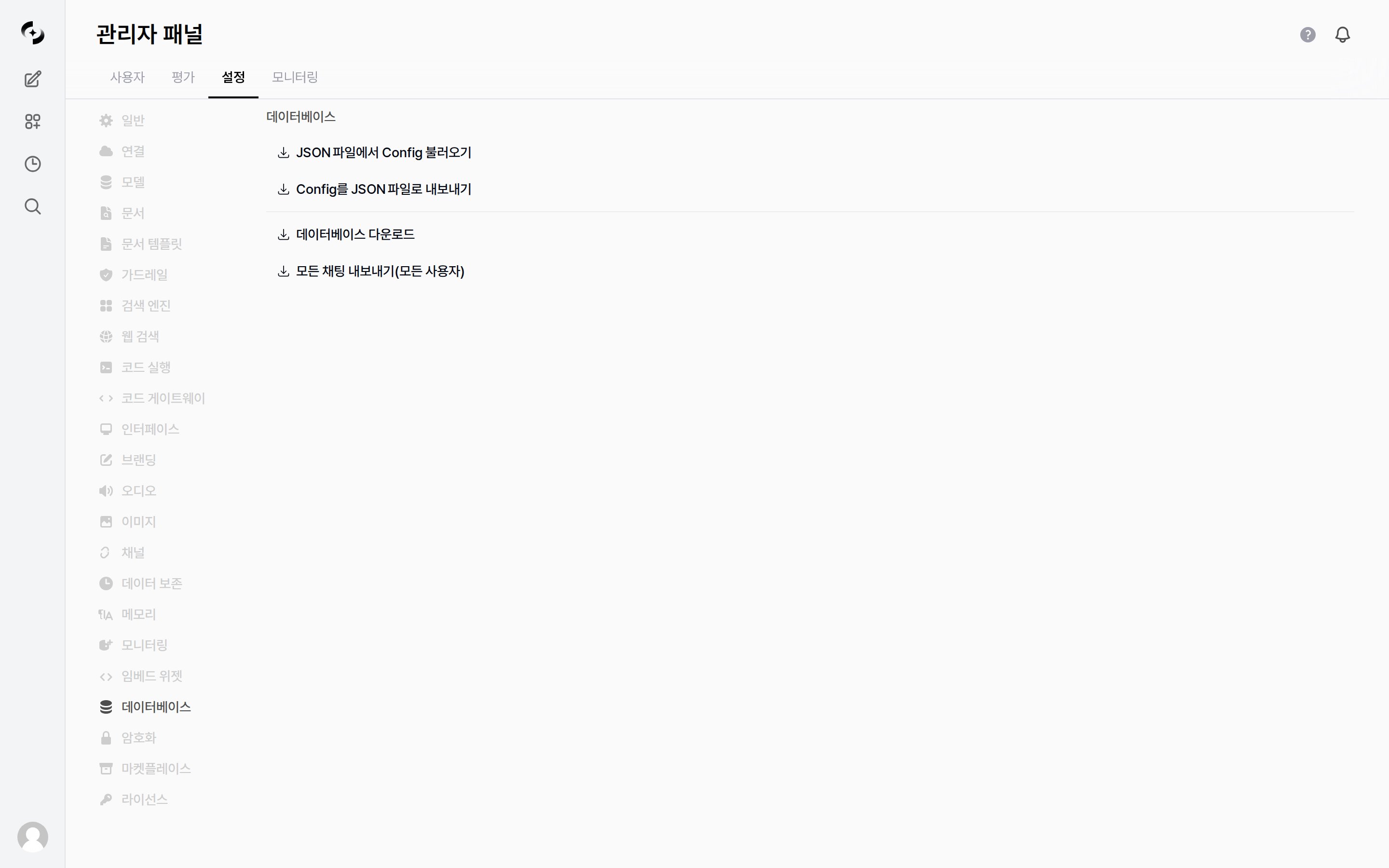
Admin > Settings > Database — Config import/export and backup
Features
The last two items (Download database · Export all chats) can be hidden with the
ENABLE_ADMIN_EXPORT server environment variable. When set to false the buttons are not shown even to admins (default true).Database/Redis connection strings (
DATABASE_URL, REDIS_URL, DATABASE_SCHEMA) and multi-worker / scheduled-backup policy are configured through server environment variables, not the GUI → see the Deployment checklist.