
Admin › Settings › License
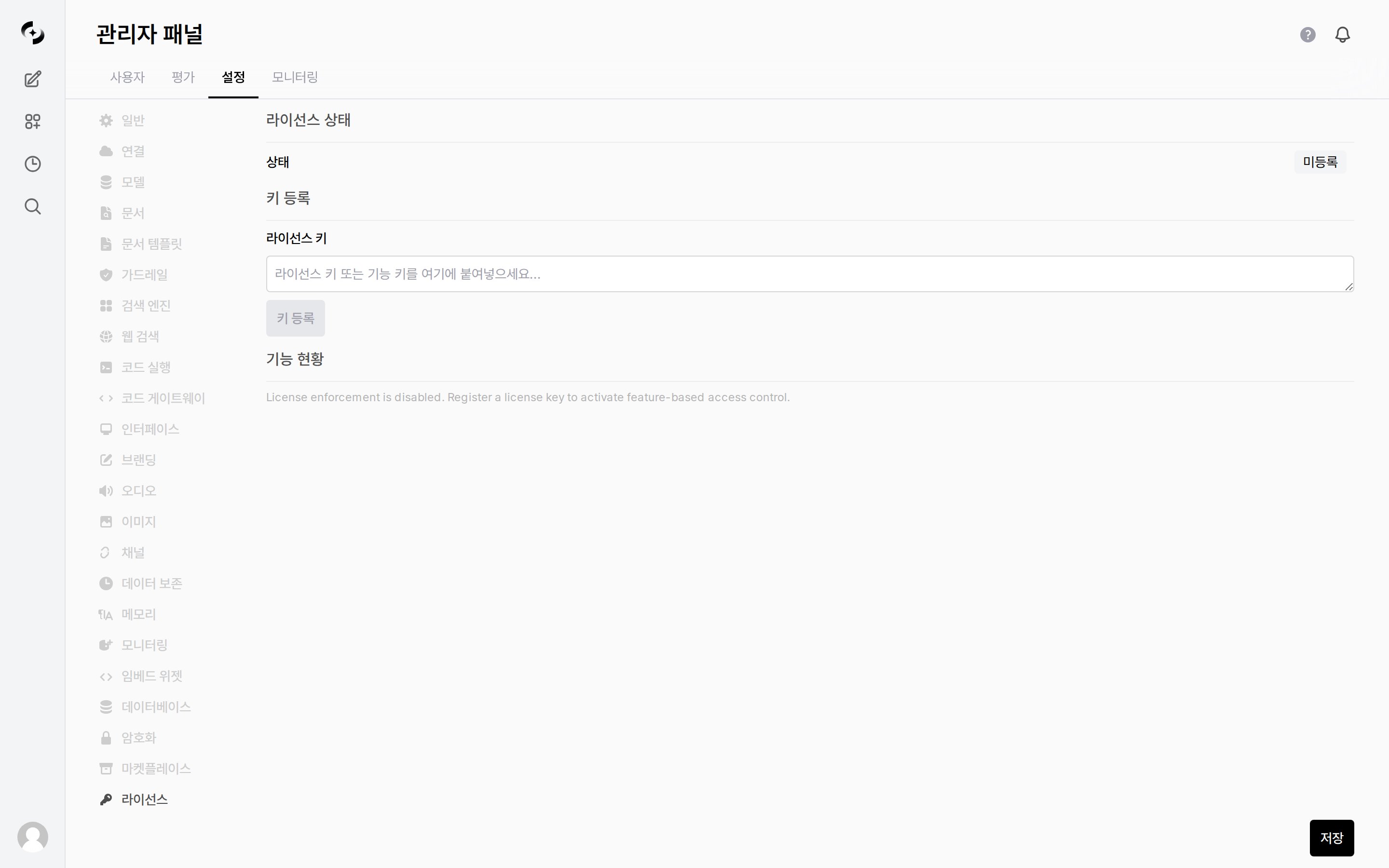
License settings tab
Tier Composition
Key Types
Modules activatable via feature keys:
All feature key modules (21)
All feature key modules (21)
Add-ons (not included in any tier · separate feature key required)
Registering a License
1
Get a key
Get a license key from your Cloocus contact.
2
Enter the key
Enter the key in the Admin > Settings > License tab.
3
Register
Click Register Key. License keys and feature keys use the same input.
4
Check status
After registration, check the current license status.
License Management
Registered license keys and feature keys appear in the list and can be individually deleted.- Once a license is registered, License Status shows the tier, company name, max users, and expiry date, and Feature Status shows each module as
Available/Not Licensed.
Before a license is registered, the status appears as unregistered, and the key list and feature status are empty. The information above appears only after you register a license key.
When the
ENABLE_LICENSE_ENFORCEMENT environment variable is false, all features are available without a license.
Set to true in enterprise environments where feature control is required.